Browse Firebase Storage beside your users and data.
Firestruct brings bucket navigation, file metadata, previews and guarded file actions into the same native workspace as Firebase Auth and Firestore.
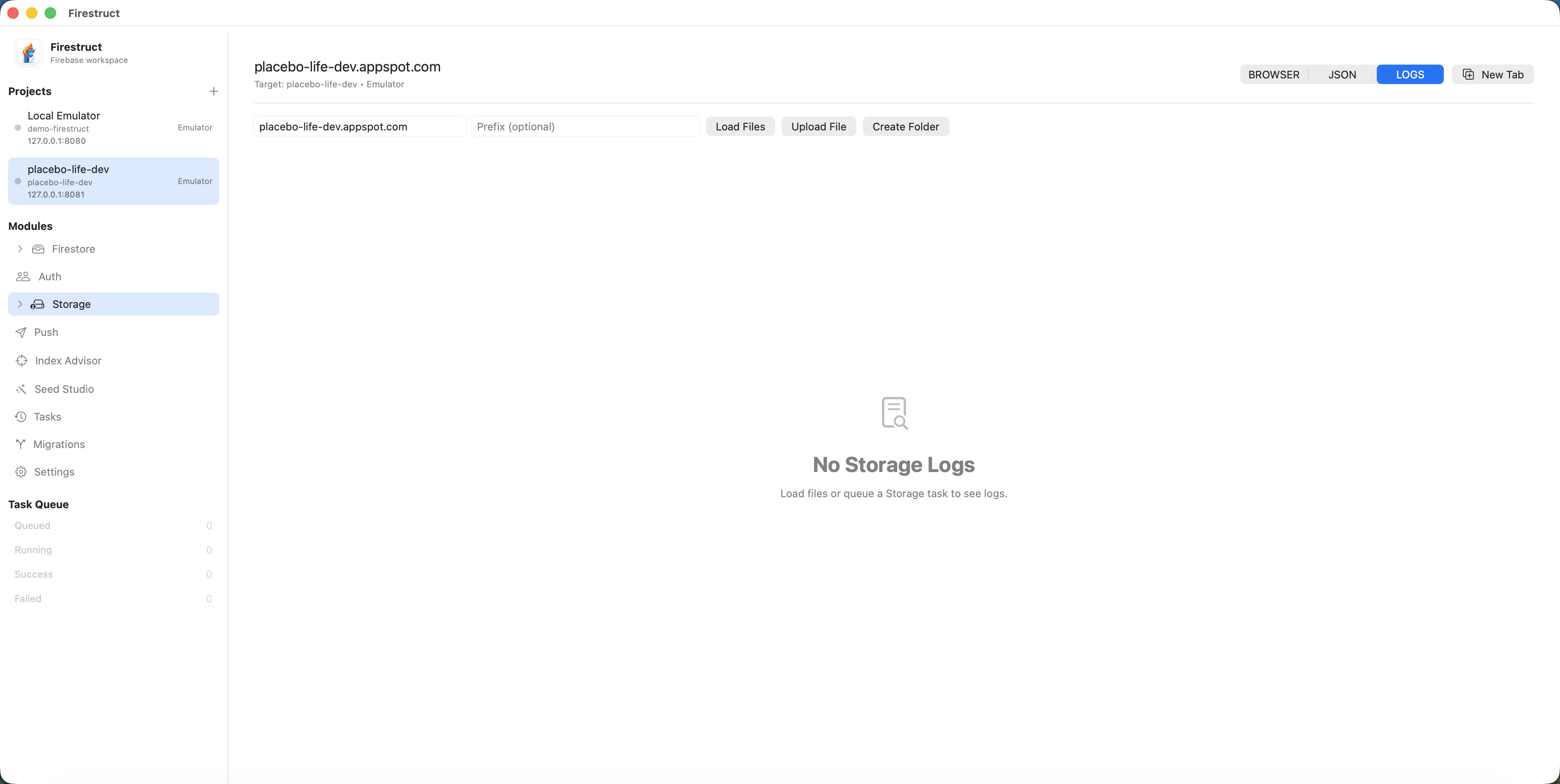
Navigate buckets and inspect file metadata
Browse folders and objects without leaving the selected Firebase project. File details and previews remain close to the tree, making it easier to verify uploads and investigate customer content.
The current implementation has emulator-proven folder navigation, metadata and preview workflows. Production controls remain guarded until approved live-project verification is complete.
- Folder and object navigation
- Content type, size and metadata inspection
- Image and supported file previews
- Download URL and clipboard actions
Use file operations with visible targets
Uploads, downloads and deletes are consequential operations, especially when a bucket belongs to production. Firestruct keeps the project and environment visible and routes longer operations through task progress.
Overwrite behavior and errors are not hidden. Emulator coverage proves the workflow while explicit confirmation protects production paths.
Move naturally between Storage and Auth
A profile-image support task often crosses two Firebase products. Firestruct can hand a Storage URL into the Auth photo URL workflow without requiring a separate browser tab and manual context reconstruction.
That connection is the purpose of the modular workspace: each product keeps a focused surface while related work can cross module boundaries intentionally.